Family ChoresPlay. Help. Earn.
Family Chores Game

A chore system families will actually keep using.

Parents get structure and control. Kids get visible progress, rewards, and game-like momentum that help responsibility feel real instead of abstract.

See how it works

Free to start. Sign in with Google to create your family in seconds.

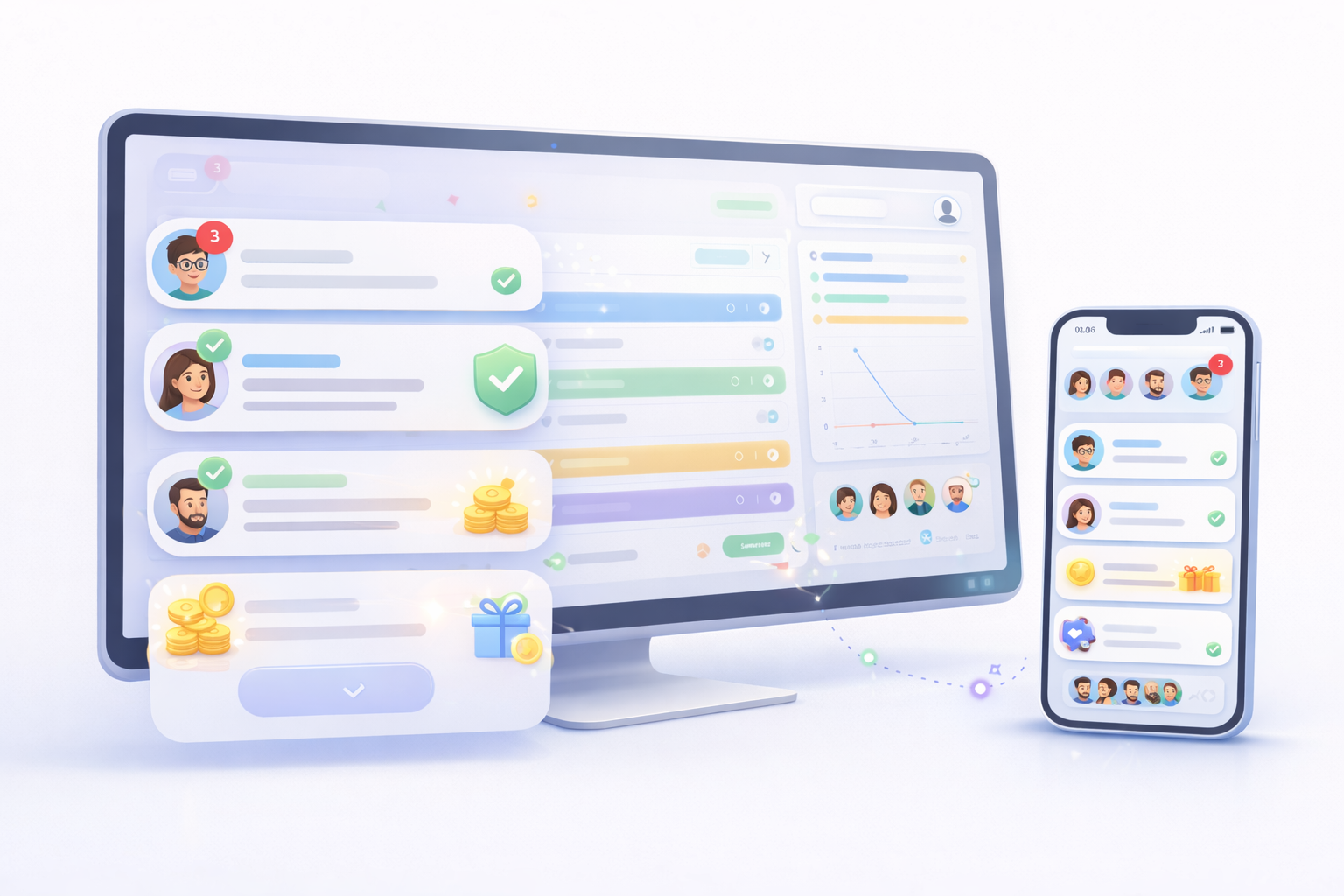
Family Chores Game interface shown across desktop and mobile layouts.
A shared family workspace across desktop and mobile.
Why families choose it

One place for chores, rewards, quest content, and family momentum.

Built for households that want a system that can handle everyday chores, shared responsibilities, custom rewards, and longer-term goals.

  • Flexible chores with optional approval and recurrence
  • Managed child profiles with PIN-protected Switch Account
  • Rewards, family awards, and quest content that make progress visible
Structured workflow

Assign, complete, review when needed.

Every chore has clear ownership, status, and the right level of parent control.

Live visibility

Updates do not go stale.

Realtime activity and notifications keep the whole household aligned.

Flexible approval rules
Managed child profiles
Family awards, quests, and live activity
Why families switch

Built for real household follow-through, not just task lists.

Family Chores Game combines chore assignment, approvals, rewards, profiles, and long-term motivation so the system still works after the first week.

Flexible workflow

Built for more than one kind of chore

Use standard chores, group or family chores, and See and Do chores so the system fits the job instead of forcing every task into the same template.

Real accountability

Approval when you need it, instant payout when you do not

Parents can require review for chores that need a second look, while other chores can approve immediately and pay coins as soon as they are completed.

Kid motivation

Progress feels tangible

Coins, unlocks, quest content, themes, avatars, confetti, and visible household progress give kids concrete signals that effort leads somewhere.

Household control

One system for parents, kids, and managed profiles

Create managed child profiles, switch between accounts with a parent PIN, and add invite or Google-link flows only when your family actually needs them.

How it works

A clear workflow from setup to visible progress.

The app supports both instant-payout chores and approval-based chores, so families can match the workflow to the task.

Illustrated flow showing a parent assigning chores, a child completing work, a parent reviewing when needed, and rewards updating.
Assignment, completion, review, and rewards stay in one clear flow.
01

Set up the family the way your household works

Families can start with managed child profiles and use PIN-protected Switch Account, while invite and Google-link options stay available for later when needed.

02

Choose the right chore type and rules

Assign standard chores, group or family chores, or See and Do chores with coin values, approval rules, and optional recurrence.

03

Completion follows the path you configured

Some chores pay coins immediately on completion. Approval-required chores move into review first, and group or See and Do chores stay parent-controlled.

04

Rewards, awards, and progress keep moving

Coins feed store unlocks, family awards, quest items, and visible progress that keeps responsibility tied to real outcomes.

Chore types

Use the right type of chore for the job.

Not every responsibility works the same way. The app supports one-person chores, shared chores, and parent-reviewed claimable chores.

Standard

Everyday chores for one person

Great for normal assigned work. Parents can choose whether a standard chore pays immediately on completion or waits for approval.

Group / Family

Shared chores for multiple people or the whole house

Use family assignment or multiple assignees when everyone needs to help. These chores stay approval-based so parents can confirm the work and adjust coins at approval time.

See and Do

Parent-reviewed chores that kids can notice and claim

Ideal for jobs that are not always scheduled in advance. See and Do chores always require parent approval, and parents assign the coin value during approval.

Works with Google

Fits into the tools your family already uses.

For families already organized around Google accounts and Google Tasks, Family Chores Game adds a household layer on top. Selected task lists can sync into the chore system so parents keep structure, kids keep accountability, and the family does not have to rebuild everything from scratch.

Use the routine you already have. Add household visibility, rewards, and the level of approval each chore actually needs.

Connected workflow

Bring Google Tasks into a family-ready system.

  • Sync selected Google task lists into household chore workflows
  • Layer in approvals, rewards, and family visibility where useful
  • Reduce duplicate task entry for busy families already using Google
Beyond chores

Profiles, awards, and quest content keep the system growing with your family.

The app is not limited to a single chore list. It gives parents more ways to manage access, shape rewards, and guide bigger goals.

Managed child profiles

Start with safe parent-managed accounts

Parents can create player profiles without email first, switch into them with a PIN, and link Google later only if that child eventually needs a direct sign-in.

Family awards

Offer rewards your household actually cares about

Parents can create custom family awards with coin amounts, imagery, and redemption limits so rewards match real family goals.

Quests

Turn bigger goals into guided adventures

The app includes family quests and interactive quest content for households that want bigger goals to feel more guided than a single checkbox.

Designed for both roles

Structure for parents. Motivation for kids.

The platform gives each side of the household what it actually needs instead of forcing everyone into the same flat task list.

Admin experience

Parents stay in control

Manage the household, set expectations, and decide when rewards are earned.

  • Create chores with assignee scope, approval, coin values, and recurrence
  • Manage invited members and managed child profiles from the same household system
  • Review notifications, approvals, family awards, and quest content in one place
Player experience

Kids get a system that rewards ownership

For kids who love games and visible progress, the app turns responsibility into something they can see building over time instead of hearing about after the fact.

  • See clear progress, complete chores, and understand what ownership looks like
  • Earn coins for store unlocks, family awards, quest items, and personalization
  • Explore quest content and customize avatars, themes, and celebration effects
Illustrated product flow showing profile personalization, family communication, rewards, and quest-style progress.
Rewards, profiles, and family progress feel connected instead of separate.
Live visibility

The household stays aligned without constant follow-up.

Family activity updates in realtime, so the app feels current instead of static. Parents can quickly see what changed, kids can see progress move, and notifications help everyone stay on the same page without extra reminders.

Family Chores Game interface highlighting notifications, approvals, rewards, and progress across desktop and mobile.
Activity, rewards, and progress stay visible across the household.
Activity feed

Mia completed Kitchen cleanup and it moved straight into the family timeline.

Approval status

Approval-required chores wait for review, while eligible chores can approve and pay coins immediately.

Shared visibility

Notifications and live updates reduce the "Did anyone do this yet?" loop.

Ready to get organized?

Make responsibility feel visible and worth owning.

Family Chores Game gives parents a system they can trust and gives kids tangible signs of ownership through rewards, unlocks, quest content, and visible momentum.

See how it works

Google sign-in gets the parent account started quickly, and most child profiles can be managed through PIN-protected Switch Account.

Family Chores | Organized chores, rewards, and live family visibility